Brand the launch screen
Configure the splash logo, background, gradient and accent colours. Preview the design in the merchant console before saving your launch identity.
 Book a demo
Bring your casino player website to the home screen on supported devices. NefinityOne combines an installable PWA, configurable launch screen and merchant messaging tools, so your team can manage the player experience and communications from one console.
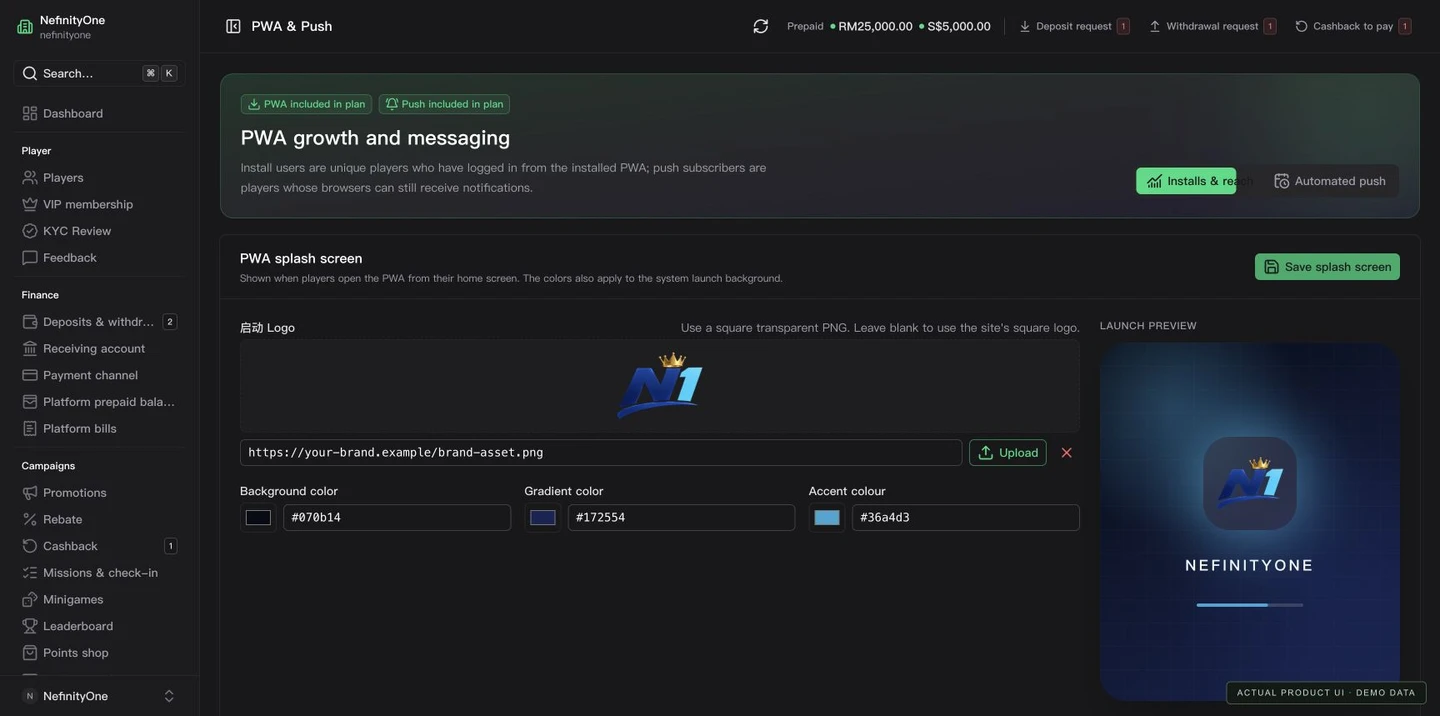
A PWA is your web experience launched from an installed home-screen icon, not a separate native app-store application. Players use the supported browser’s installation flow. Your website, branding and merchant configuration remain connected.
Configure the splash logo, background, gradient and accent colours. Preview the design in the merchant console before saving your launch identity.
Review unique players recorded using the installed PWA, recent activity and OS distribution. Installation statistics describe recorded usage rather than an app-store download counter.
Maintain your website content and messaging alongside player and campaign tools. Both Core and Scale include PWA and in-app notifications.
In-app messages appear inside the player website or installed PWA. Browser push uses a permitted device subscription and can show a system notification when the site is not open. Installing the PWA does not automatically grant notification permission.
Prepare rich content in the editor and show the message inside the player experience. It does not need browser notification permission and is not an operating-system push alert.
Compose a title and message, choose an audience, set a click destination and preview the notification. Icon, image and interaction options depend on the receiving browser and operating system.
A player must grant notification permission on a supported device. Reach depends on valid subscriptions, browser support and the player’s settings; a targeted player is not automatically push-reachable.
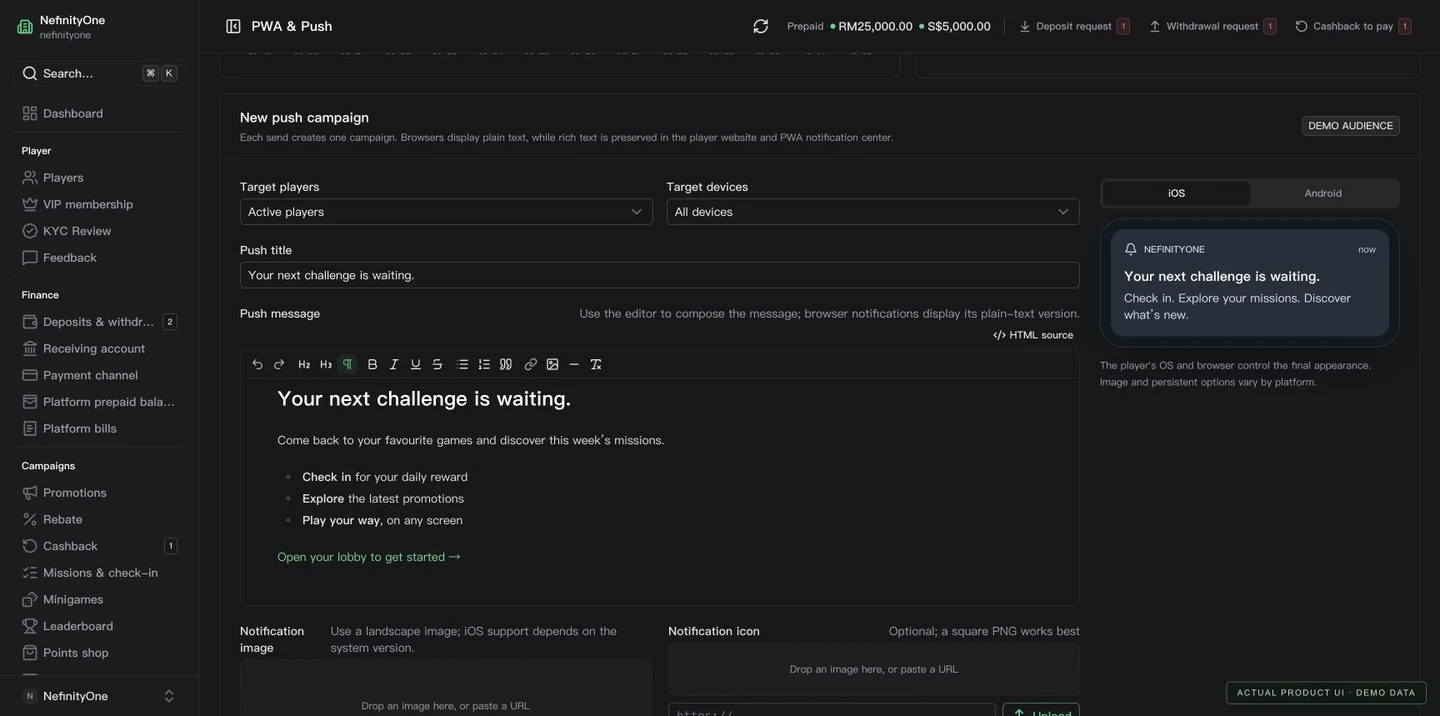
On iOS and iPadOS 16.4 or later, Web Push is available to supported web apps added to the Home Screen. The permission request follows a player interaction, such as tapping an enable-notifications button. On Android, installation and push depend on the supported browser and permission settings. Notification artwork and controls can differ between operating systems.
Campaigns are grouped as broadcasts rather than a long list of individual players. Open a campaign to inspect recipients and the available delivery or interaction records. Use these records to investigate failures; do not treat an accepted push request as proof a player saw or opened it.
Queued means waiting to be processed. Sent records a successful send step; it is not by itself confirmation that the device displayed the notification.
Device receipts or opening events are recorded only where the client reports them. Missing acknowledgement is an unknown result, not automatic proof of delivery or failure.
Players without an eligible subscription cannot receive browser push. Delivery errors, expired subscriptions or revoked permission need to be considered when reviewing the audience.
No. Installation and notification permission are separate. A supported device must grant permission and register a subscription; on supported iOS home-screen apps, the permission request must follow a player interaction.
System push notifications use the browser’s notification format, not a rich HTML page. Rich in-app content can be displayed inside the player website or PWA. Push image, icon and action support varies by browser and operating system.
No. Targeting, reachability, the send step, a device receipt and an opening event are different. The available campaign records should be read separately; an unreported receipt remains unknown.
Explore NefinityOne white label casino software: branded player sites, merchant controls, multi-currency wallets, PWA and Core or Scale packages.
Compare Nefinity Core and Scale pricing: setup fees, 3,000 USDT deposit, three free maintenance months and monthly costs. Provider rates quoted separately.
Explore eight NefinityOne in-house Original games included with Scale. Customise branding, manage currency limits and give players result-verification tools.
Tell us your market, currencies and package. We will walk through the player site, merchant console and configuration with you.